Practical image workflow
Create a Fictional Boy Character
A short story may need a cheerful fictional boy carrying a library book, not a realistic portrait of an identifiable child. This guide starts from text on the homepage and builds an original, fully clothed, age-appropriate character in an everyday setting. The illustration is an invented character concept rather than a real person's likeness. Describe a simple narrative role, practical clothing, and a readable pose, then inspect the generated image for anatomy and context before using it in a story draft or classroom-themed creative project.
Try this workflowA prompt is prefilled; generation requires sign-in and available credits. Review model cost before submitting.
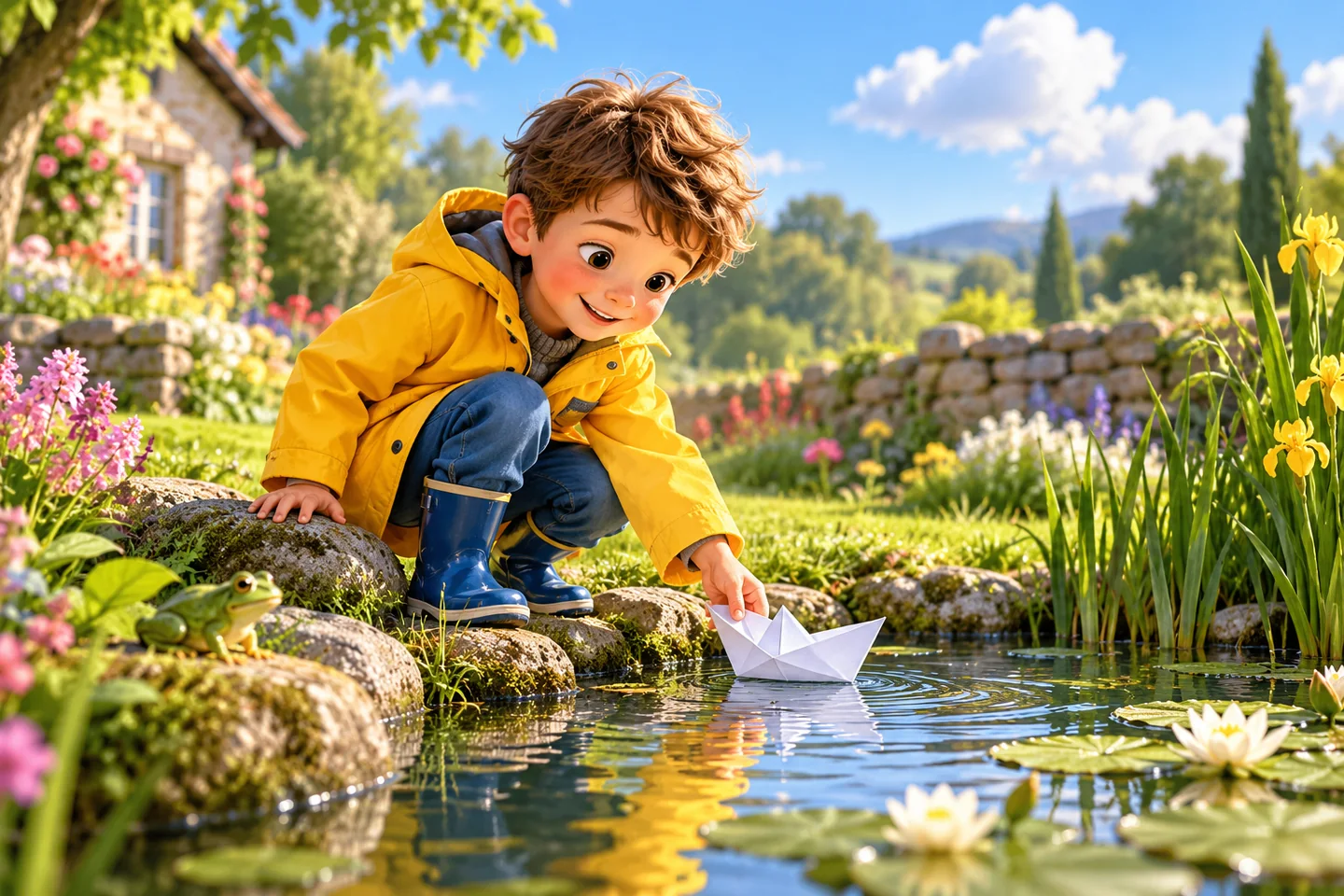
Prepare your input
- Start with a text brief rather than a real child's photograph. Define a fictional narrative role, an approximate age for context, and an ordinary activity such as gardening, reading, or walking to a library.
- Specify complete practical clothing, a clear pose, and a non-identifying setting. Avoid names, school badges, addresses, or other details that could suggest the image represents a particular child.
- Choose the intended illustration style and composition. Check the homepage model's available ratio, quality, output format, and credit requirements; there is no reference image required for this text-to-image workflow.
Example prompt
Create an original fictional boy character, approximately ten years old, for a gentle children's story illustration. He is fully clothed in a comfortable green sweater, loose trousers, and sneakers, carrying a closed library book while standing in a sunny community garden. Use friendly rounded illustration shapes, a curious expression, and a clear full-body pose. Keep the scene wholesome and age-appropriate, with no resemblance to a real child or celebrity. No school identifiers, personal details, romantic framing, suggestive styling, or text.
Step-by-step workflow
- 1
Write a character role before appearance
Begin with what the fictional character is doing and how the reader should understand the moment. A curious library visitor needs different posture and props from a child helping in a garden. Add only a few appearance cues, such as a sweater color and hairstyle. Keep the brief wholesome and age-appropriate rather than rating attractiveness or borrowing an identifiable child's features.
- 2
Generate from the homepage text mode
Open the homepage, select text-to-image, and sign in. Enter the fictional character brief, including complete clothing, an ordinary activity, and the desired illustration style. Review model-supported settings and credits, then start generation explicitly; opening the handoff does not create an image. Although the content record includes an Edit tool label for integration, this case's intended starting workflow is homepage text generation without a reference.
- 3
Review the scene as a story illustration
Inspect hands, limbs, clothing coverage, facial expression, and the relationship between the character and prop. Check that the background does not invent readable school names or personal identifiers. Reject images with inappropriate styling or ambiguous context. Place the accepted version in a draft layout and test whether the action reads without explanation; add exact story text separately and keep a note of the prompt for later illustration planning.
Build a character brief that serves the story
Use these planning cards to give the model a coherent everyday scene. They are authoring choices, not character presets or an identity-consistency system. A strong first illustration establishes the narrative moment while leaving room to revise the story and visual direction later.
Role and action
Choose a concrete action that a reader can see, such as carrying a library book or watering a seedling. Keep the prop count low and the pose readable. Avoid describing a long sequence in one frame; the illustration should show one moment rather than several incompatible actions.
Clothing and visual cues
Specify complete comfortable clothing suited to the activity and weather. Two or three cues, such as a green sweater, short curls, and a canvas bag, are enough for an initial concept. Describe curiosity or concentration through expression and posture rather than assigning beauty scores or adult-coded styling.
Setting and composition
Use a fictional garden, reading corner, or generic neighborhood path without identifying signs. Choose full-body framing for an action scene or a closer view when expression matters most. Leave a quiet area for story text added in a layout editor, and check that the character and background communicate the same scale and light.
Series planning
Save your accepted prompt and a written character brief for future attempts. Similar wording may help a series feel related, but repeated generation can change facial features, clothing, or proportions. Review each image and use an illustration workflow with manual consistency work when a finished book requires a stable character.
Limitations and responsible use
- Create only fictional, fully clothed, age-appropriate characters in ordinary contexts. Do not use the workflow for sexualized depictions, identity imitation, or appearance rankings of children; safety filters may reject requests.
- Generated anatomy, props, and expressions can be inconsistent. This is an illustrative concept, not a real child, a verified identity, or an automatic character sheet with guaranteed consistency across pages.
- Generation requires a signed-in account and credits. Output ratio, quality, and format depend on the selected homepage model. Inspect the actual file and prepare print layout, text, and publishing requirements separately.
Common questions
Do I need to upload a child's photo?
No. This guide intentionally starts from a fictional text brief with no reference. A narrative role, clothing, pose, and setting are enough to explore an original character without using an identifiable child's likeness.
Can I keep the same boy across several story pages?
Save a written brief and reuse a few stable visual cues, but expect variation. Similar prompts do not guarantee the same face or proportions. A finished illustrated series needs review and may require manual drawing or editing to keep the character consistent.
Why is the book title garbled in the result?
Generated lettering is unreliable and can distract from the character. Ask for a closed, unlabelled book or a plain cover, then add any exact title in a layout editor. Inspect the background for accidental signs as well.