Practical image workflow
AI App Screenshot Generator for Layout Concepts
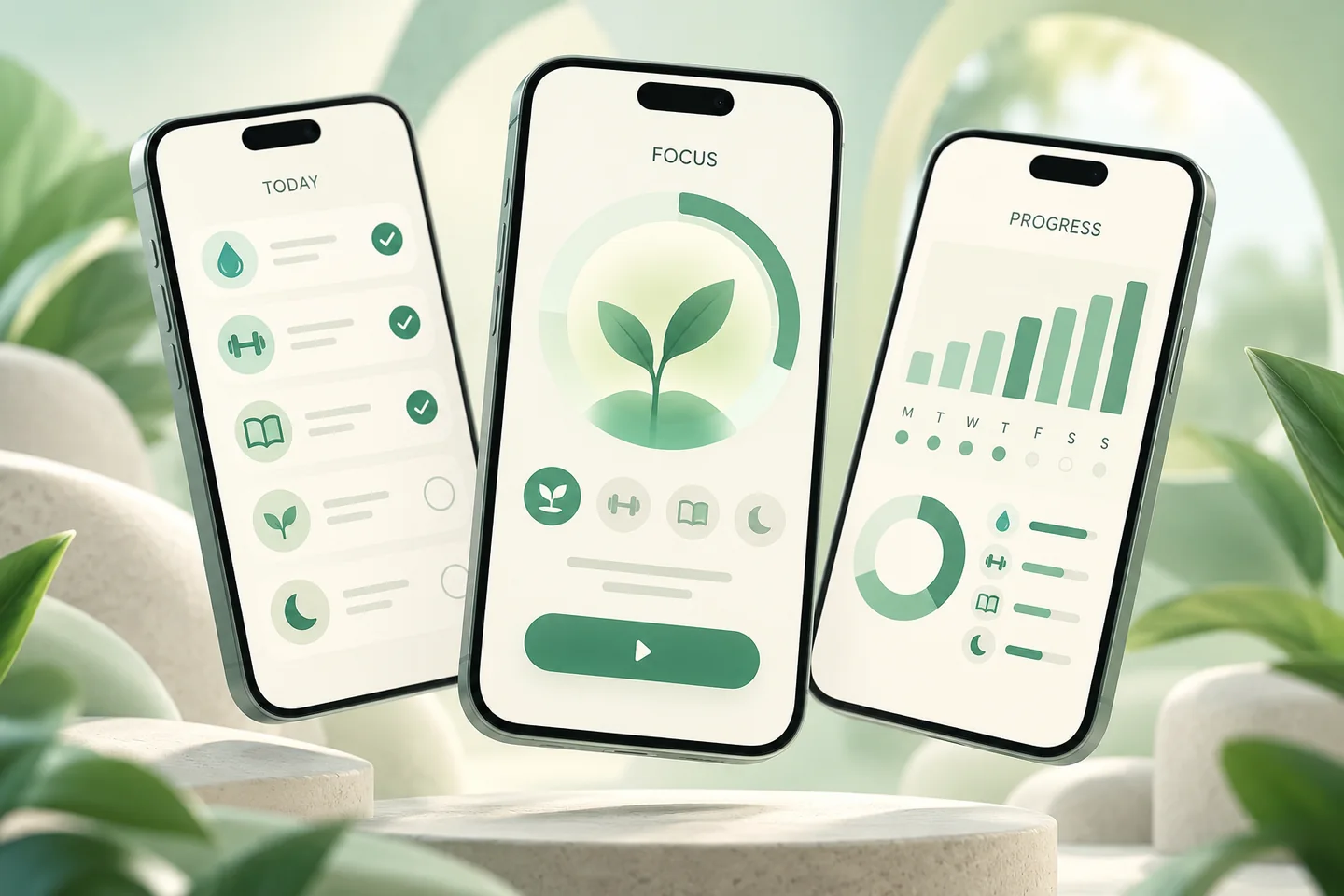
An AI app screenshot generator can explore how to present one real app benefit in a marketing layout. This guide uses a sanitized reading-list screen as the reference and tests a quiet backdrop with space for a headline. The existing illustration is a layout concept, not a live app screenshot or an approved store asset. The real capability is prompt-led image interpretation. Exact interface content, final typography, device framing, export dimensions, and platform checks belong in a separate manual finishing workflow.
Try this workflowA prompt is prefilled; generation requires sign-in and available credits. Review model cost before submitting.
Prepare your input
- Capture one screen from your own app using fictional account data, remove notifications and private content, and export JPEG, PNG, or WebP under 15 MiB.
- Choose one benefit the actual screen demonstrates, such as saving articles for later, and draft a short truthful headline to typeset outside the generator.
- Check the target platform's current screenshot requirements separately. Sign in, review required credits, and use edit with a single reference for the concept.
Example prompt
Use this authorized, sanitized reading-list app screen as a visual reference for a marketing layout concept. A single upright phone-shaped panel on a soft pale-blue background, generous empty headline space above it, restrained warm accent shapes, clean hierarchy, no extra screens. Aim to follow the reference's broad interface structure without inventing product features. Do not generate final headlines, reviews, badges, prices, device branding, or store approval marks. The real app screen and exact text will be placed manually afterward.
Step-by-step workflow
- 1
Start from a truthful product moment
Choose a screen whose visible state supports the promised benefit. Use fictional data and remove private names, messages, and notification content before upload. Write the headline separately, then plan where it will sit relative to the app screen. If the important feature needs a second screen to explain it, design that as another layout rather than asking one generated image to imply a flow the reference never shows.
- 2
Generate the surrounding visual direction
Upload the sanitized screen to edit and request a simple composition, background, and hierarchy. Inspect model-supported output controls and submit manually. Treat any generated interface as a placeholder, because letters, icons, and controls can change. Compare whether the screen remains visually prominent and whether there is usable headline space. Reject attractive layouts that invent functionality, show misleading badges, or make the actual product too small to understand.
- 3
Replace placeholders and validate the final asset
In a layout application, place the untouched real screenshot into the chosen composition and add exact headline text yourself. Rebuild any necessary frame rather than relying on a warped generated device. Export according to the target platform's current specifications and inspect readability at mobile preview size. Review claims against the shipped app, compare the final screen with the source, and check store requirements before submission; this generator does not perform that validation.
What must be finished outside the concept generator
A persuasive layout is only the start. Use this handoff to turn the visual idea into an accurate marketing asset, with real product content and manually checked platform requirements rather than generated placeholders.
Actual interface
Replace the generated screen with an untouched capture of the app state you intend to show. Check icons, navigation, labels, and visible data against the shipping product. A convincing invented button can create a false feature claim even if the overall layout resembles your source.
Exact typography
Typeset the headline and supporting words in your layout application. Check spelling, localized line breaks, contrast, and text size in a small preview. Keep one benefit per image and avoid claims about rankings, reviews, or results unless you have a legitimate basis for them.
Platform export
Consult the store's current official screenshot specifications for the device family and listing context. Set the final canvas, file type, and other requirements in the finishing tool. A model's aspect-ratio control does not certify dimensions or guarantee that the exported image will be accepted.
Privacy and consistency
Use fictional account information in every screen and inspect generated surroundings for stray text or accidental marks. Compare colors and spacing across the finished sequence in one document. Separate generations can vary, so a consistent campaign system usually needs deliberate manual layout decisions.
Limitations and responsible use
- This workflow produces a raster marketing concept, not a live app capture, editable interface file, or store-certified screenshot. Generated interface text, device frames, and product states can be inaccurate and require replacement.
- Ratio, quality, and output format depend on the model. There are no certified store dimensions or automatic platform-specification checks; consult official current requirements and validate the final manually exported asset.
- A signed-in account and credits are required, and safety filters may reject requests. No free quota or store approval is promised. Use authorized screens, remove private information before upload, and avoid invented reviews or feature claims.
Common questions
Can I submit the generated image directly to an app store?
Treat it as a concept that needs finishing. Replace generated interface areas with actual screens, add exact text manually, and check current official specifications for the destination. An attractive image can still have the wrong dimensions, inaccurate UI, or unsupported claims. The generator does not validate your submission or guarantee acceptance.
How do I keep app labels from turning into gibberish?
Do not rely on generated labels for the final asset. Use the original screen as a visual guide during concept exploration, then place the untouched screenshot in your layout application. Add marketing text there as actual editable type. Inspect the final export at both full size and the small listing-preview size.
Can I make a consistent set for several app features?
Use one approved manual layout system for background, headline placement, frame, and spacing. Explore a direction with AI, then assemble each real screen within that system. Separate generations may change proportions and colors, so do not assume identical composition across requests. Give every image a truthful benefit that its actual screen demonstrates.